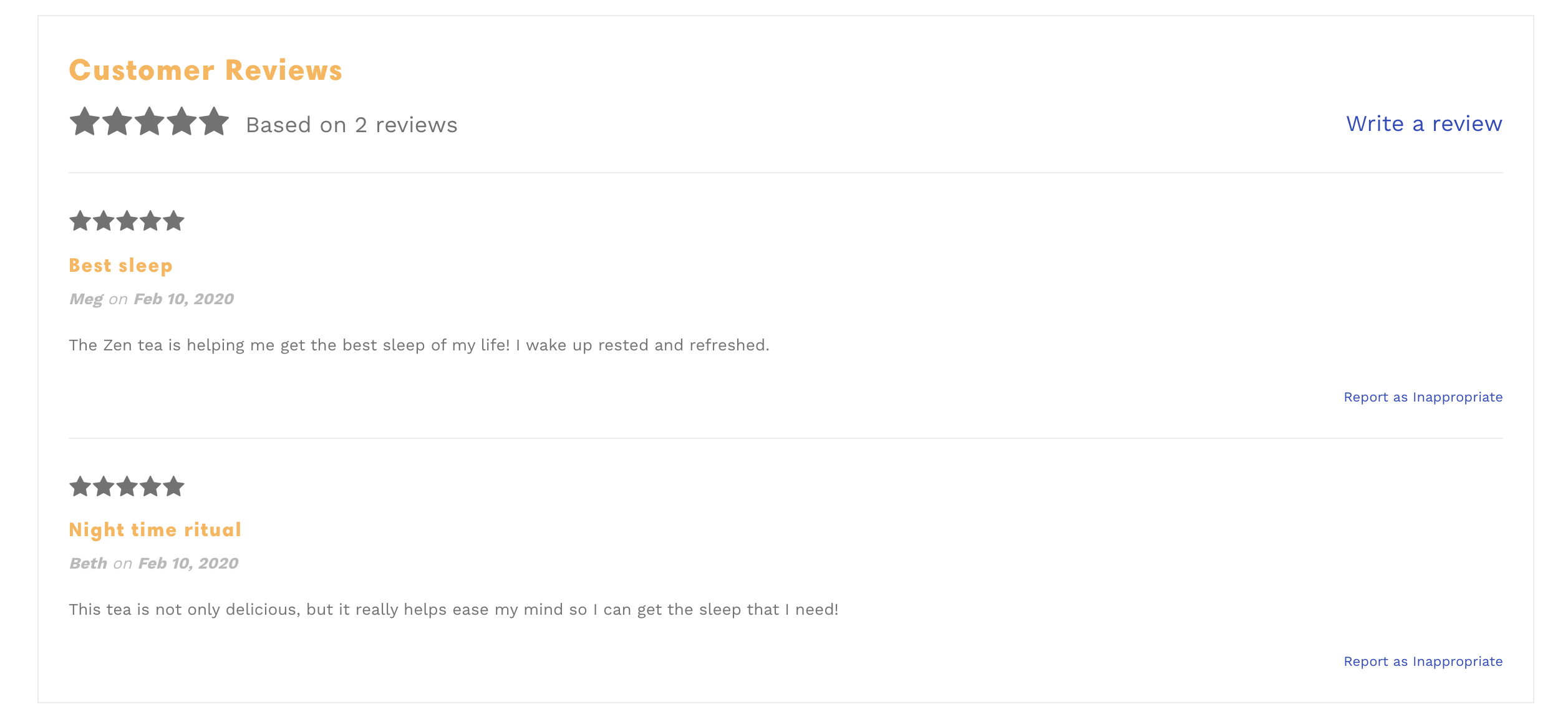
In This Article
Installing Product Reviews
The Shopify Products Reviews app code is already implemented into the theme's code. In order to enable product reviews you must:
- Download the app
- Enable the reviews setting in your theme.
Please note that this only applies to the Shopify Product Reviews app. Other review apps may have different requirements or installation steps.
Enabling Product Reviews
Step 1: Open the Theme Editor (customize) > Theme Settings > Product grid > Reviews:
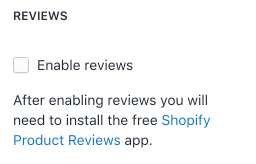
Step 2: If you wish, you can also enable the 'star rating' on the collection and product pages here as well.
Theme Settings
After installing the Shopify Product Reviews App and Enabling the Reviews in the Theme Editor, select your theme to view more information
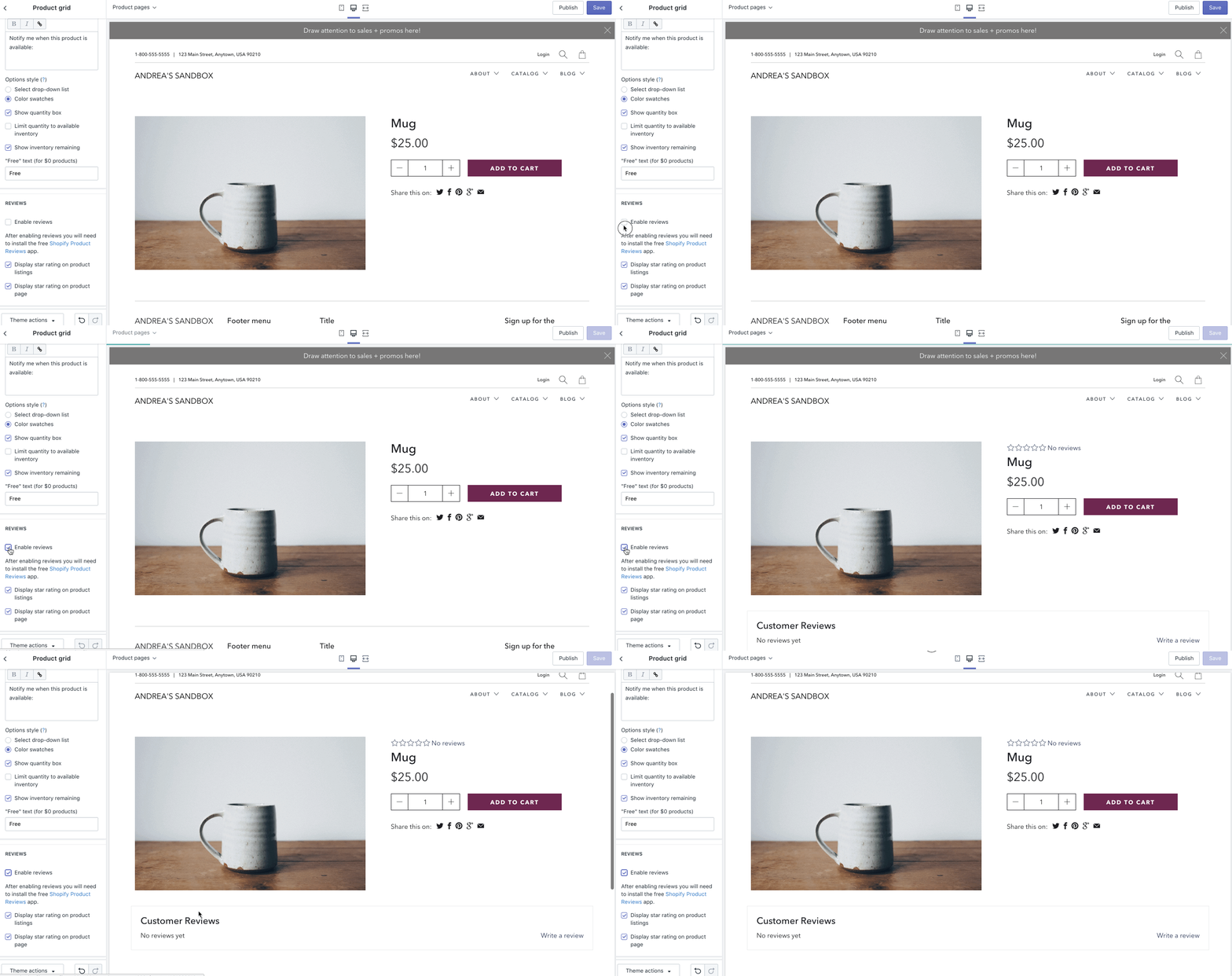
There are currently no 'Reviews Position' setting within Artisan. Once you enable the reviews, they will show up under the product image and product form:
* NOTE: May not be available on all sections, blocks or templates