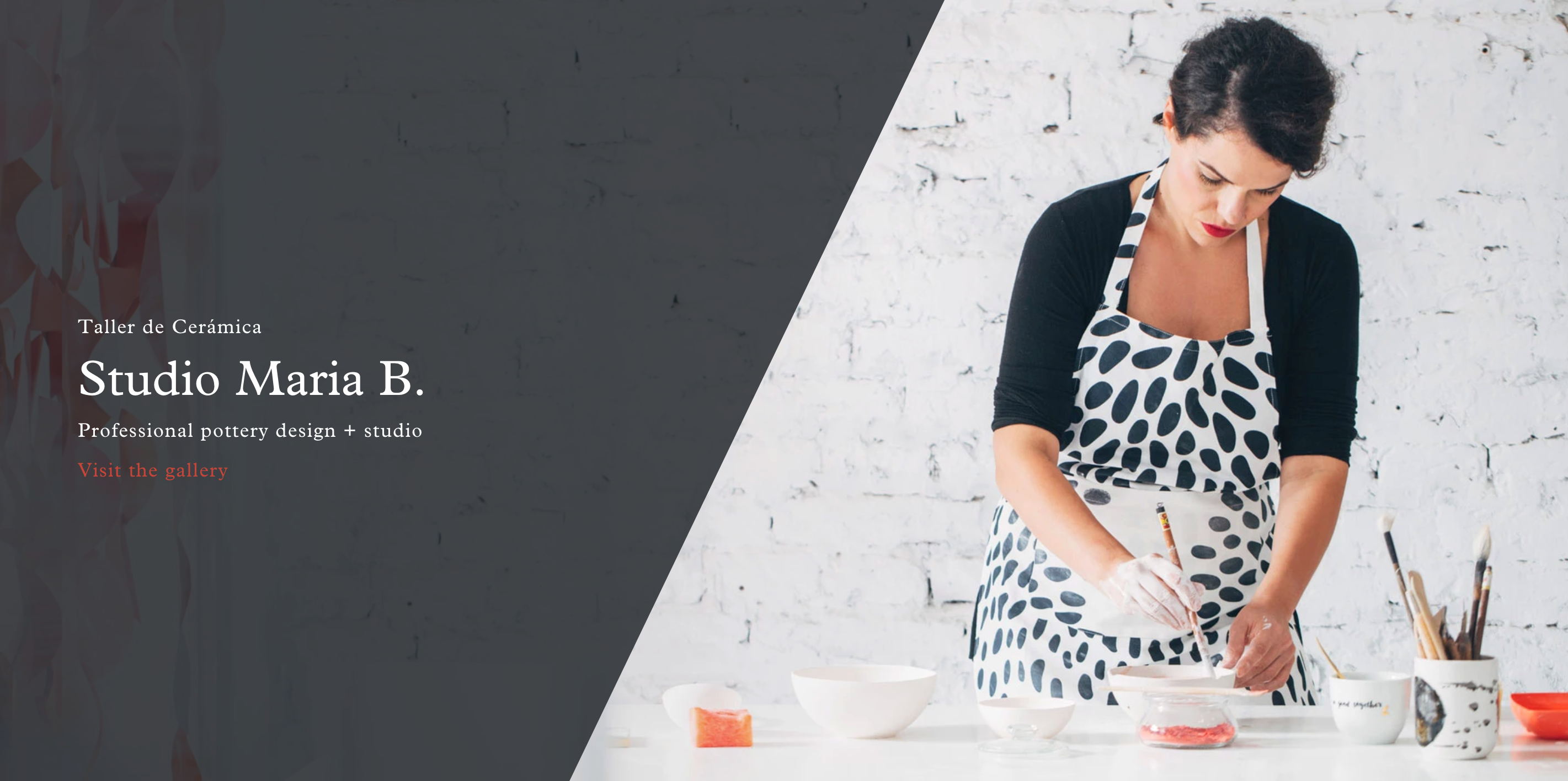
In the Artisan theme, you can use the Slideshow section on the home page to create a slideshow that includes multiple slides or you can use this section with only 1 slide to simply have a static banner image displayed (similar to the Image with Text Overlay section in some of our other themes).
Step 1: To add a Slideshow section, head into Customize > under Sections, click 'Add section' and select Slideshow.
Step 2: In your 'slideshow' section, click 'add slide' to select your image and text that you'd like your static banner image to have!
Since you're only uploading 1 slide, this will become a static image instead of a rotating slideshow
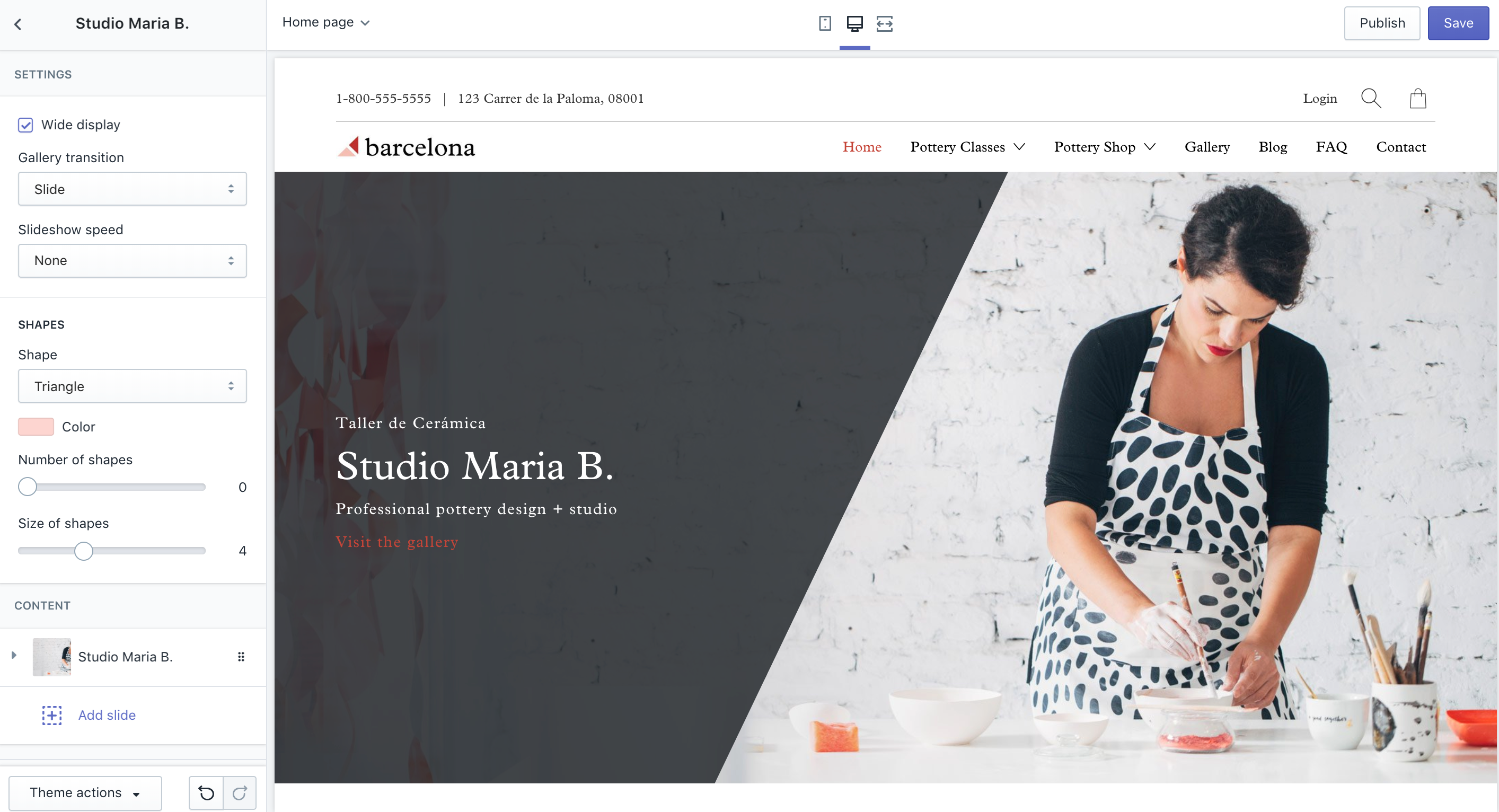
If you'd like to turn this into a slideshow, you can simply add multiple slides!
To learn more about the banner overlay options for slideshow images, check out this article.
* NOTE: May not be available on all sections, blocks or templates