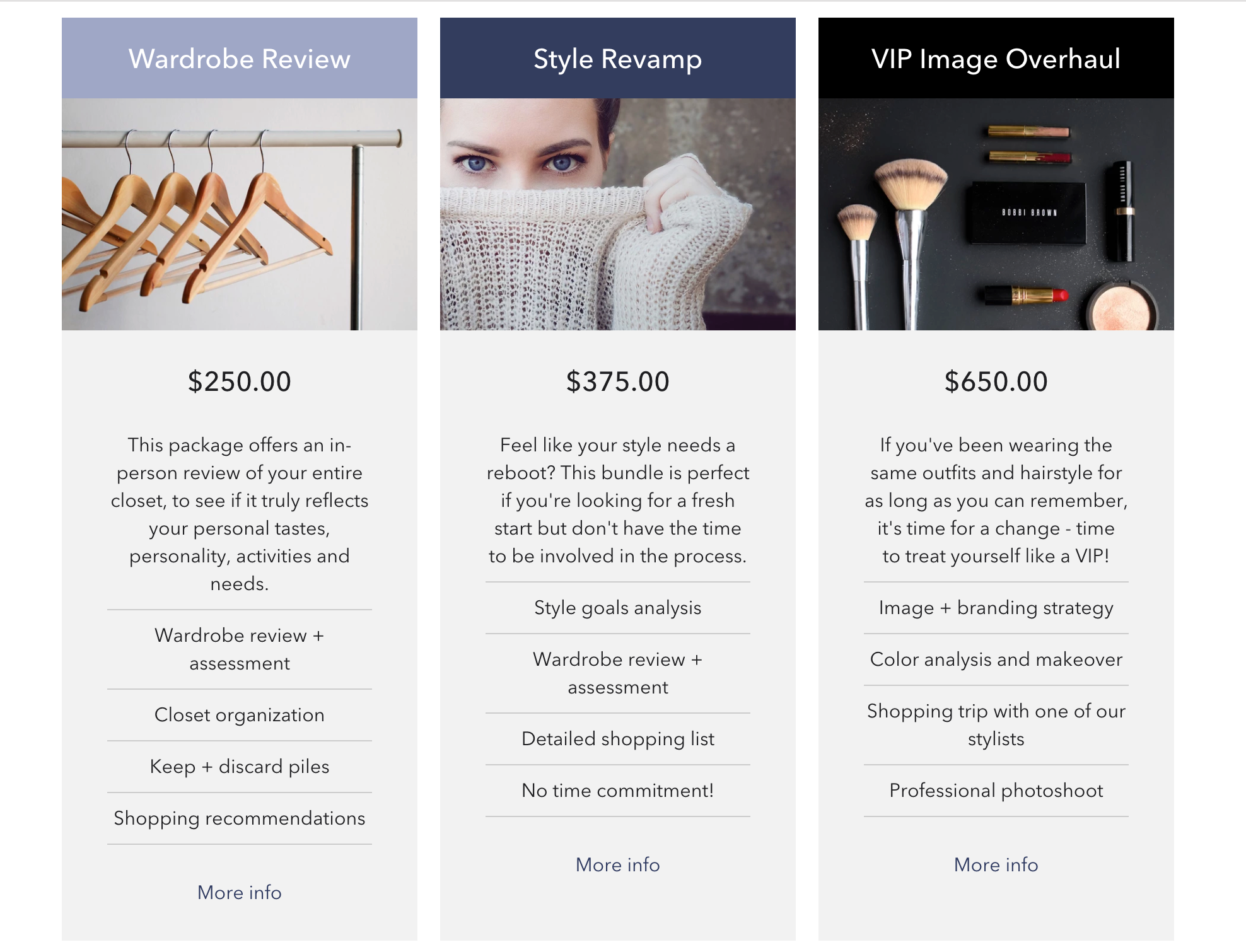
The Artisan theme includes a Product Table homepage section which is a great new way to highlight some services/products on your storefront.
Use the Product Table to:
- Advertise 3 particular products/services by highlighting their main features
- Compare 3 similar products side by side (e.g. Basic, Standard + Pro type service bundles)
Setting up the Product Table
Step 1: To add the Product Table section to your Artisan theme, head into Customize > Sections > Add Section > Product Table.
Step 2: Choose up to 3 Services/Products you'd like to display on your Product Table.
Step 3: Under Content, click Add Product in order to add Products/Services:
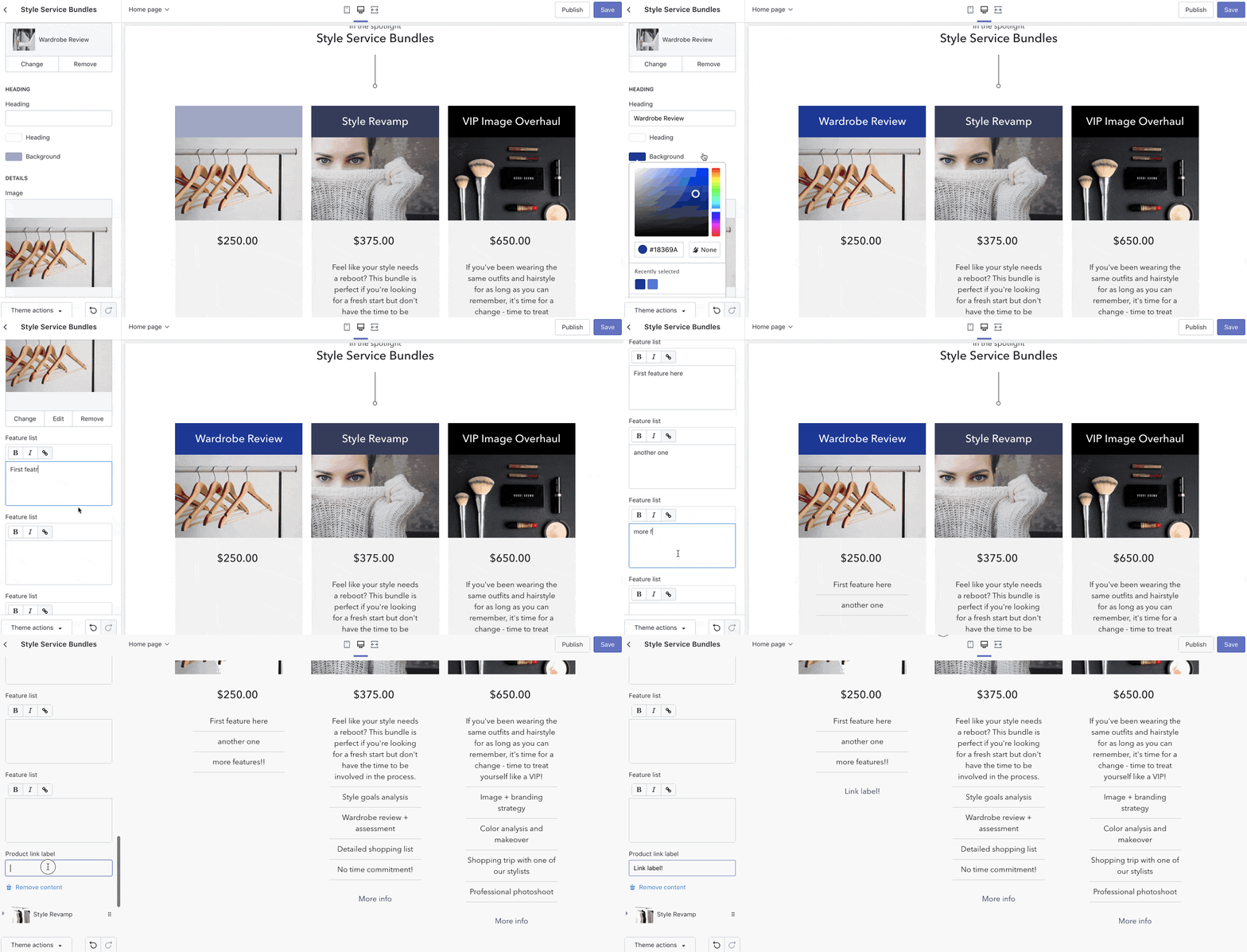
Step 4: In each Product you can configure the following:
- Heading
- Heading text color & background color
- Choose an alternate Image if you would like it to be different than your main product image
- Feature List - to highlight the service/product's main selling points
- Product Link
* NOTE: May not be available on all sections, blocks or templates