The blog post details (e.g. post date display) can be controlled through the theme editor. Some other article details, such as the blog author name or Gravatar (author image), are set up outside the theme. To adjust some of these details, refer to the topics discussed below.
Change the blog author
The blog author is controlled in the blog post editor page of your Online Store.
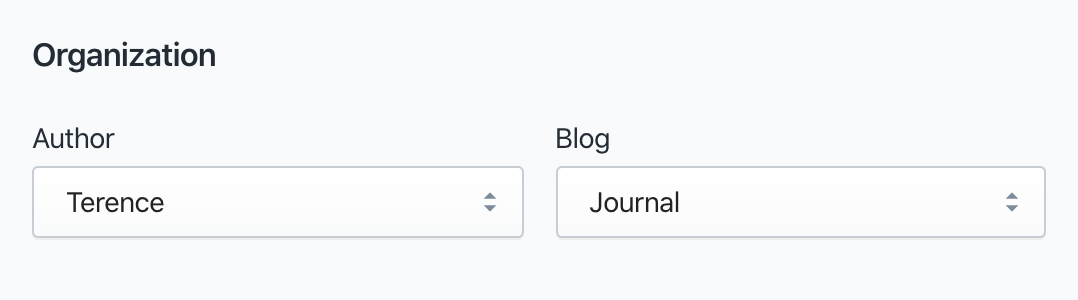
Change the blog author
- Go to Online Store
- Open Blog posts
- Select the blog post to edit
- Under Organization, click the Blog author dropdown
- Select a staff member
- Save
Replace the blog author image
The image used for the blog posts author is that staff member's Gravatar image. If this hasn't been set up through Gravatar, this will appear as the Gravatar icon.
To change this, set up your Gravatar image:
Adjust theme editor settings
Display social media share buttons
Go to Customize > Select Blog posts from the page selector dropdown > Open Article pages section > Select Enable social sharing > Save
* NOTE: May not be available on all sections, blocks or templates