How to find these settings...
- Online Store
- Click ••• (Theme Customizer)
- Edit default theme content
You can customize your online store by changing the default text in your theme.
Recommended reading
- Localization and translation
- Changing the wording in themes
- Translating themes
- Translating your checkout
Next to the theme name, click •••, and in the dropdown click 'Edit default theme content'
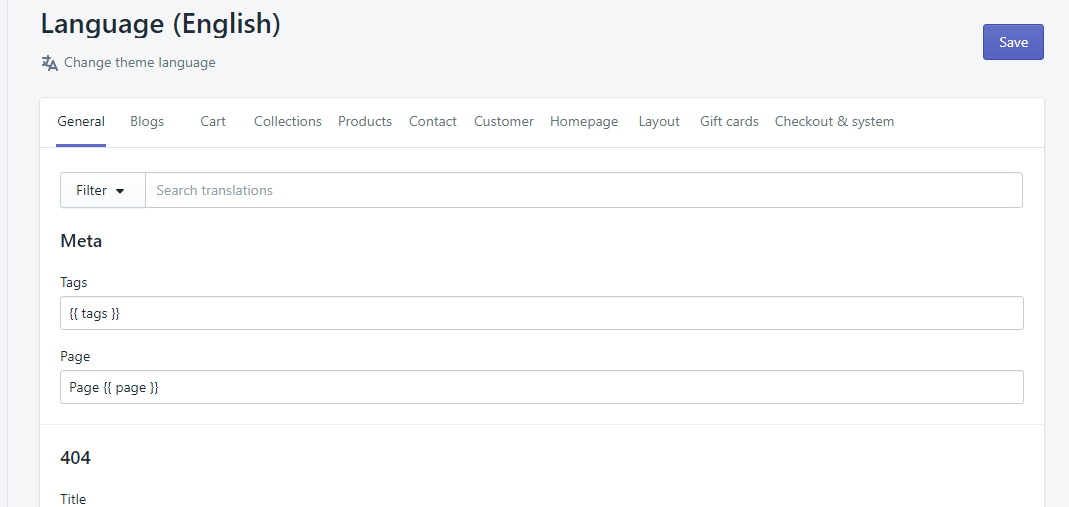
Edit individual text or change the themes language
* NOTE: May not be available on all sections, blocks or templates